Here we go! Your Paris photos are ready and we’re sure that the only thing you want to do now is to dowload them and share them with your loved ones.
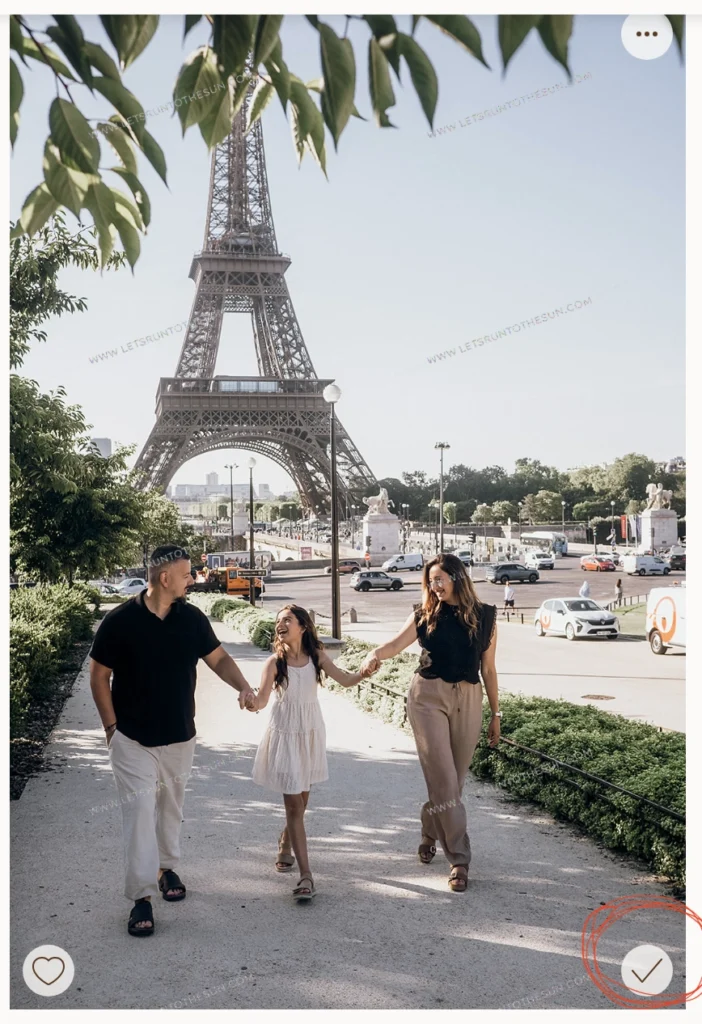
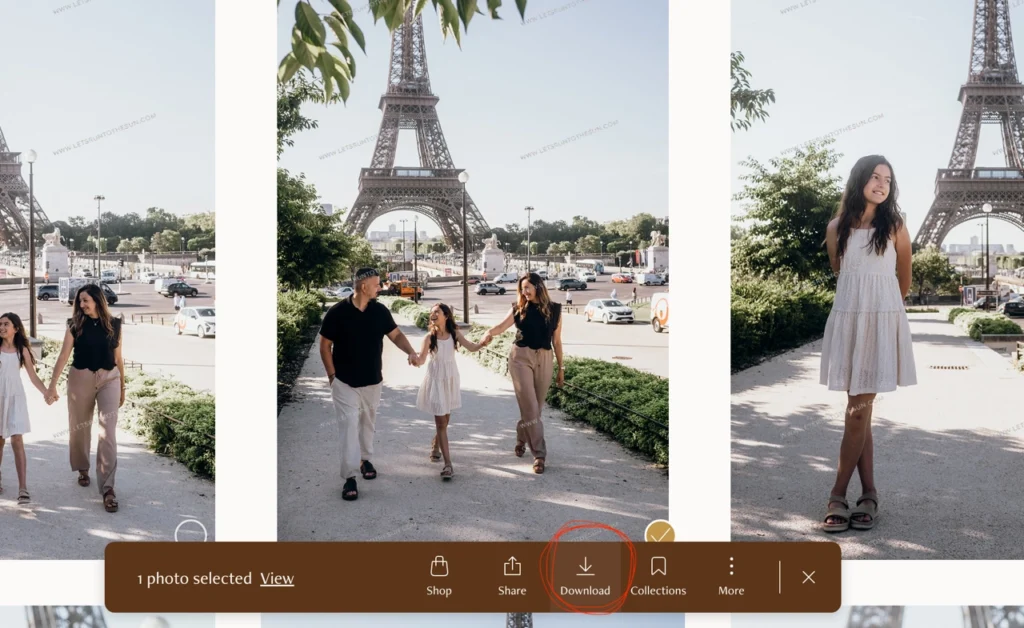
To download your photos, follow these simple steps:
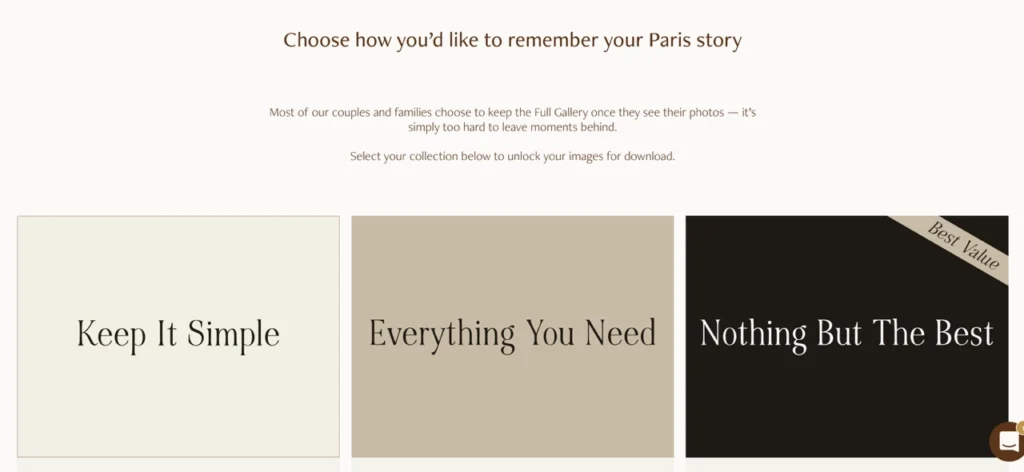
1. Select a package by clicking on it and follow the steps. You can see the packages at the bottom of the gallery, below all the photos.
That’s it!
You can now enjoy your photos.
✦ Get exclusive offers and pro tips to plan your next Paris photoshoot ✦